Lexware
Lexware User Documentation
This document describes how a user can create an account in Lexware and use it in the MYFUNDBOX subscription product.
Creating Lexware Account
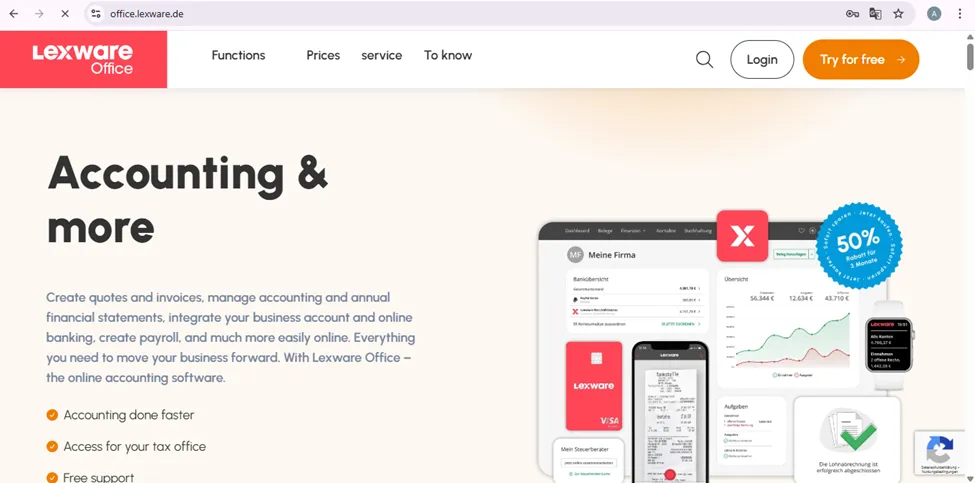
Step 1: Go to “office.lexware.de” and click on the “Try for free” button.
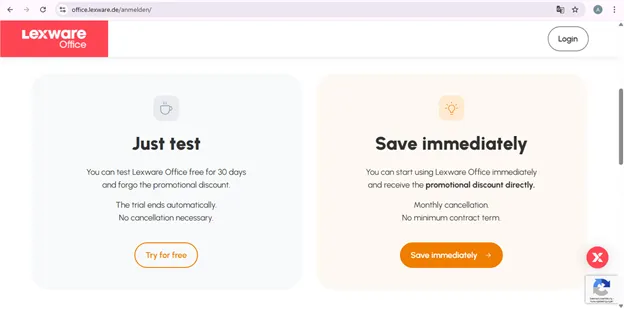
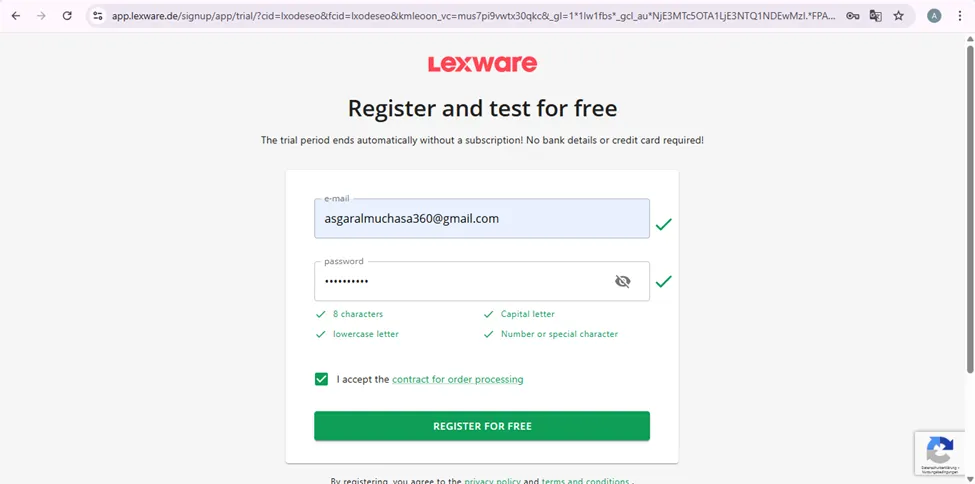
Step 2: Enter mail id and password and click "Try for Free."
Step 3: You should see a page that says you have received an email
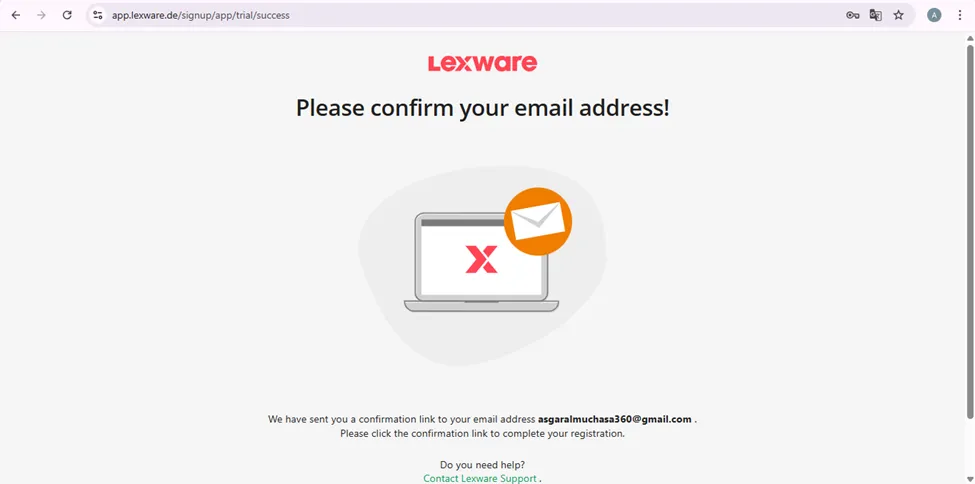
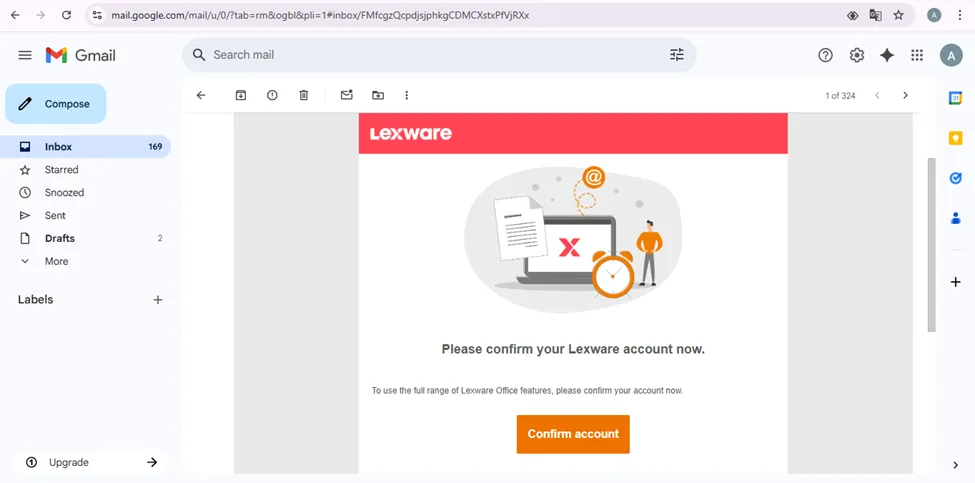
Step 4: Go to the entered email and click “Confirm account.”
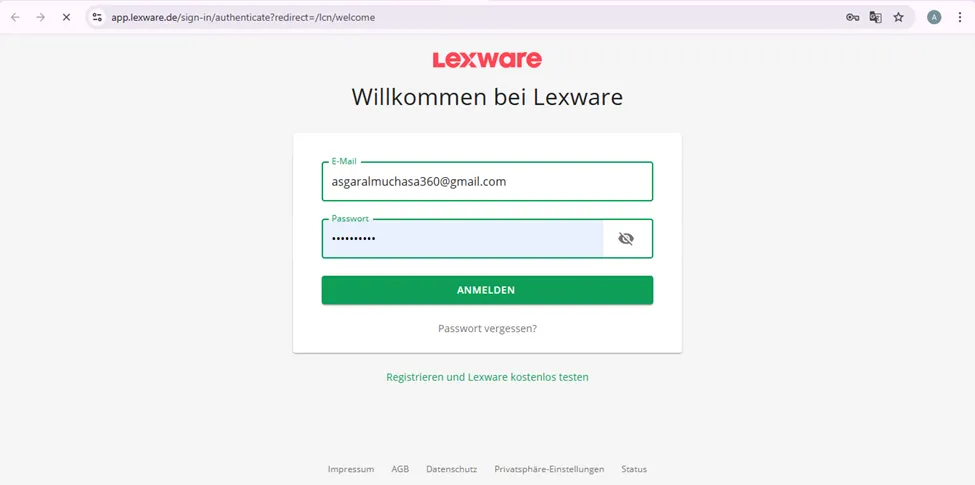
Step 5: enter the mail and password that you entered before
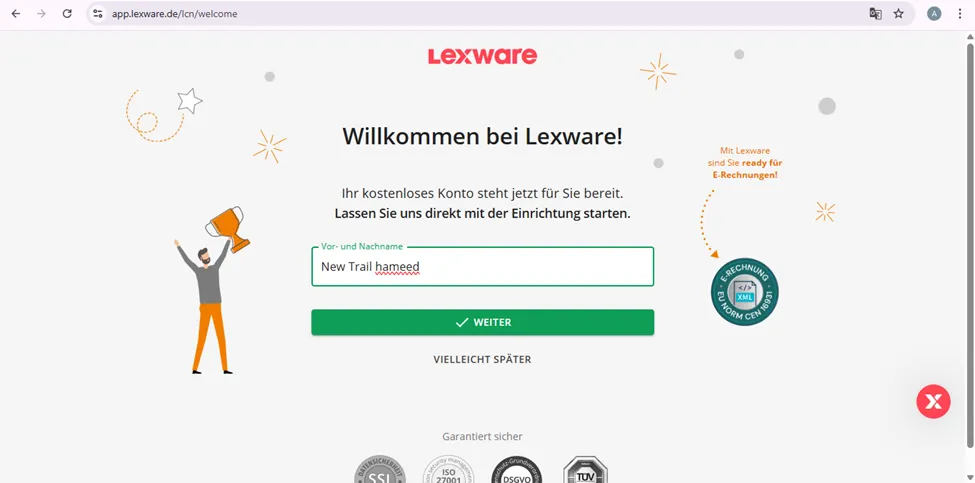
Step 6: Enter a name for your Lexware account
Step 7: enter the purpose of creating the account (e-invoice or self-accounting) and click next
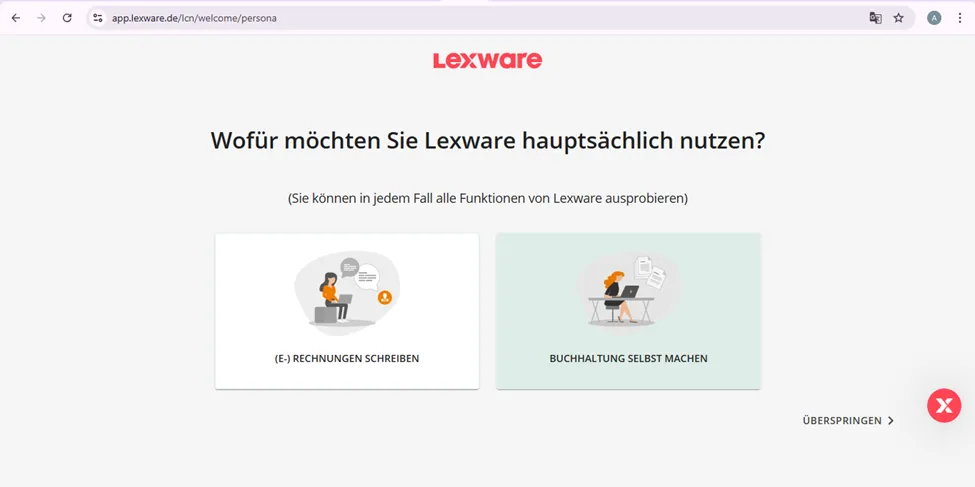
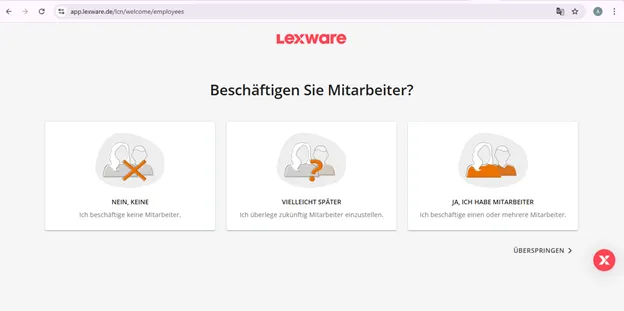
Step 8: click on details about you number of employee you have in your company and click next
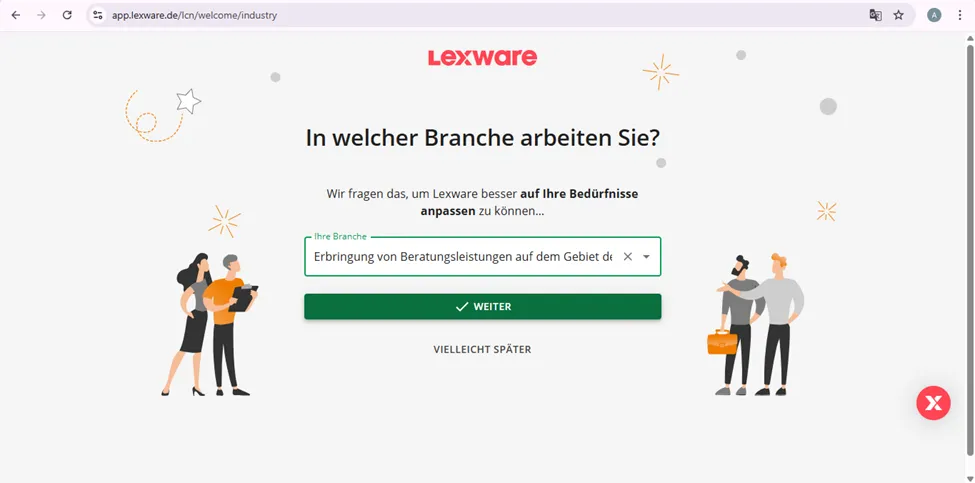
Step 9: enter details about your company, for example, information technology
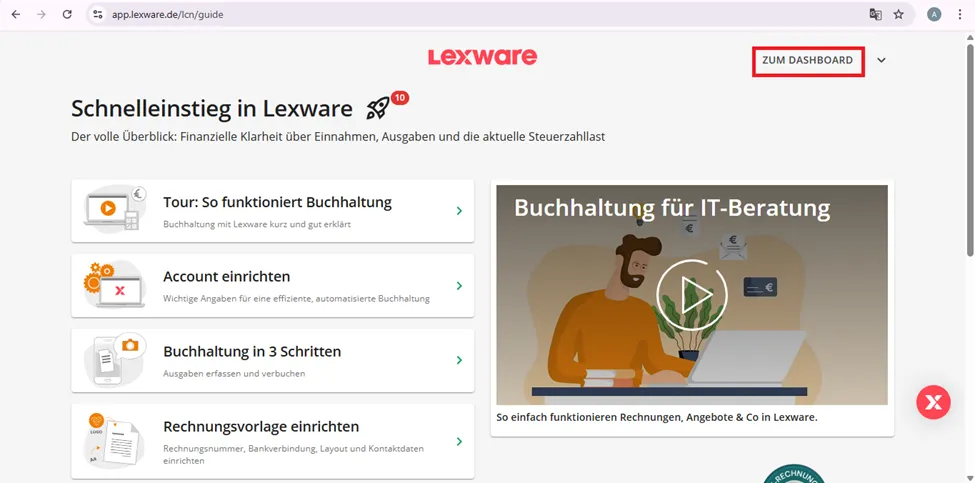
Step 10: click on “Zum Dashboard” to see the account created
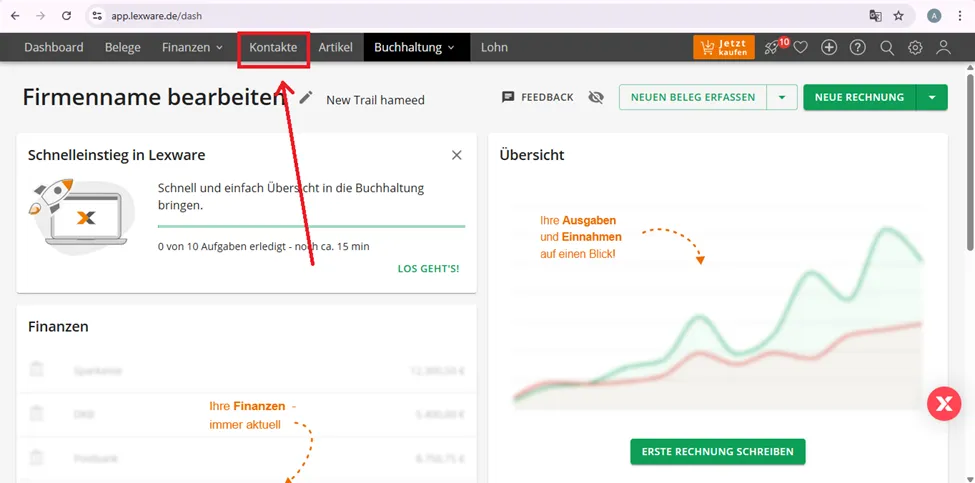
TO view the contacts created through API
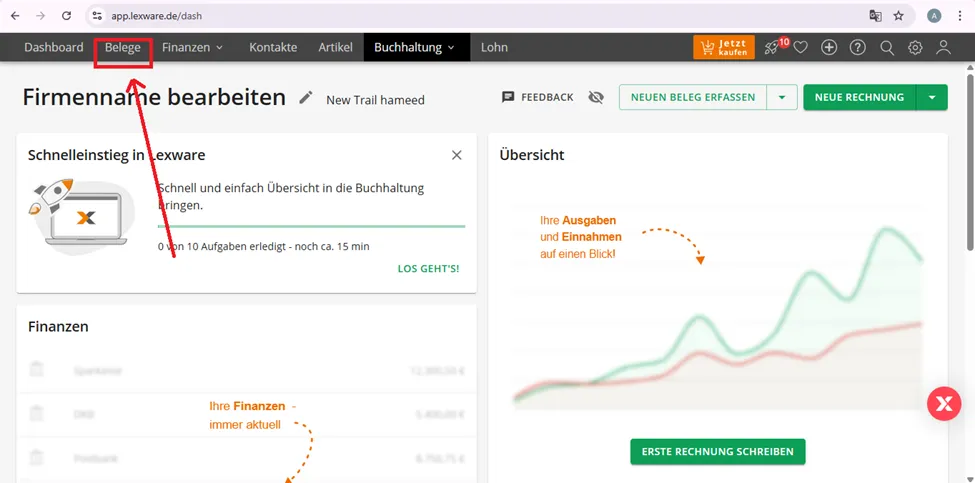
To view the invoice created through API in Lexware,
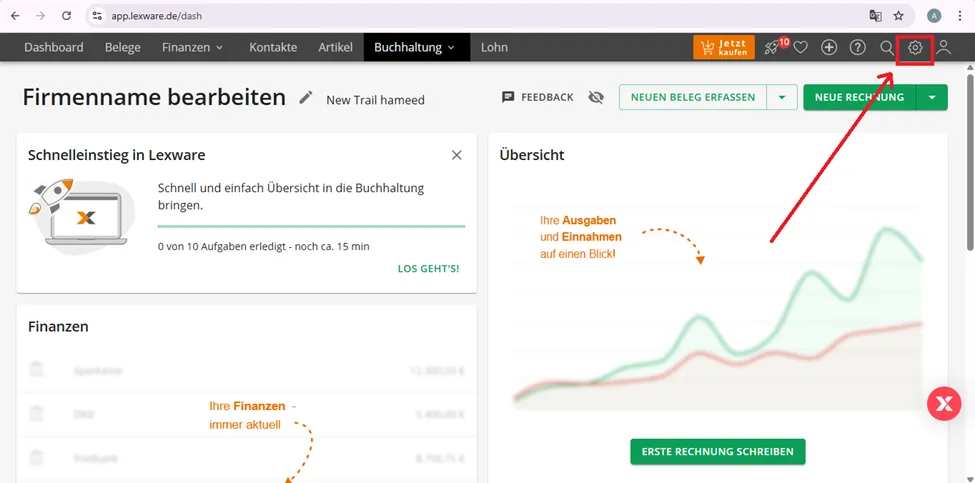
To get API keys
Step 1: Click on setting button
Step 2: click on the option shown below
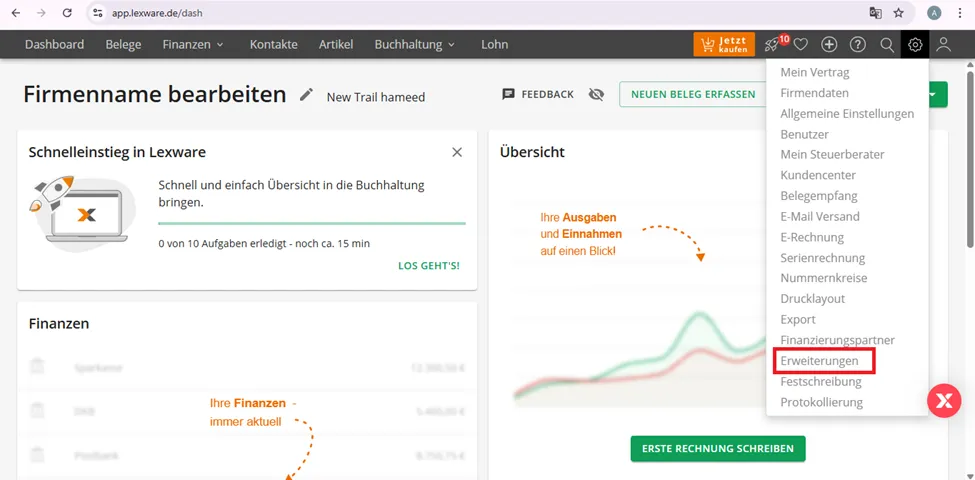
Step 3: click on “Weitere Apps.”
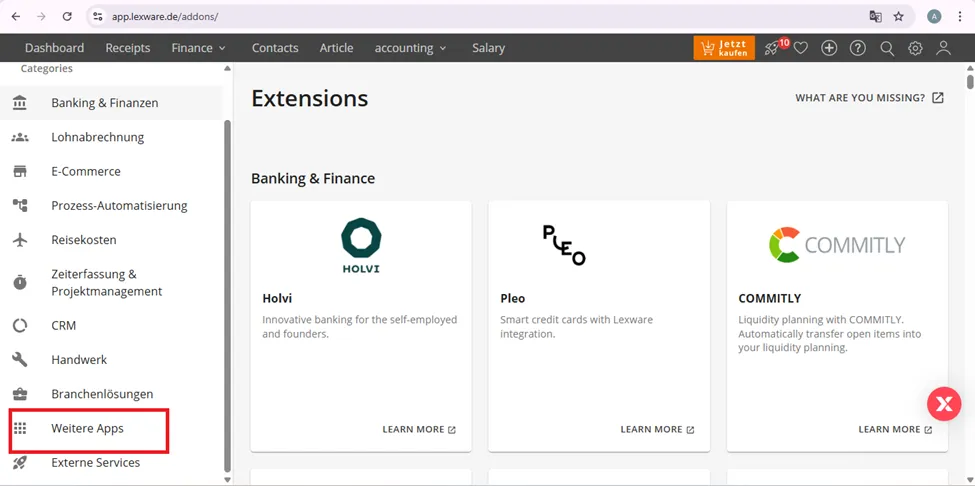
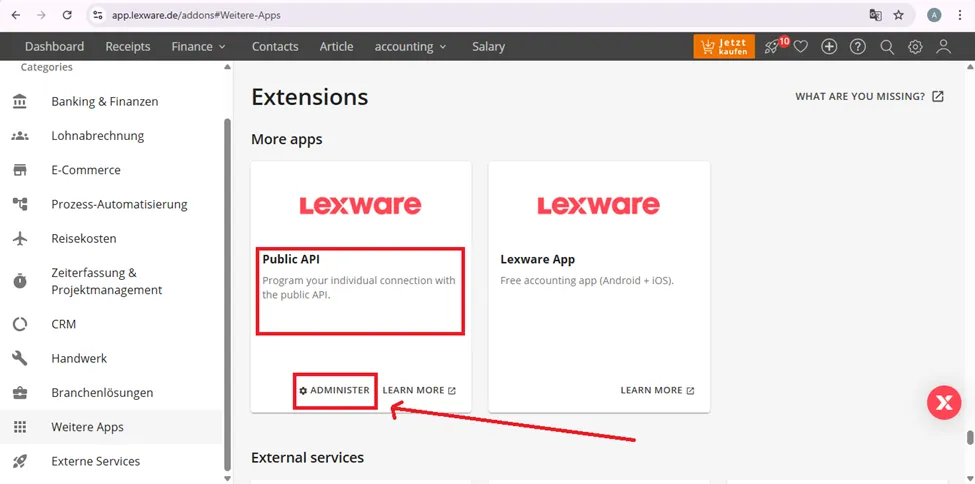
Step 4: Click administer in Public API
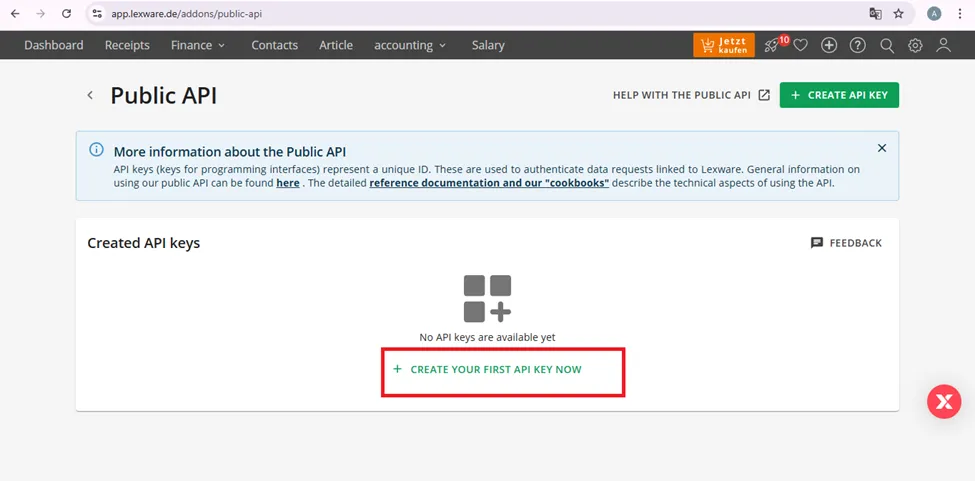
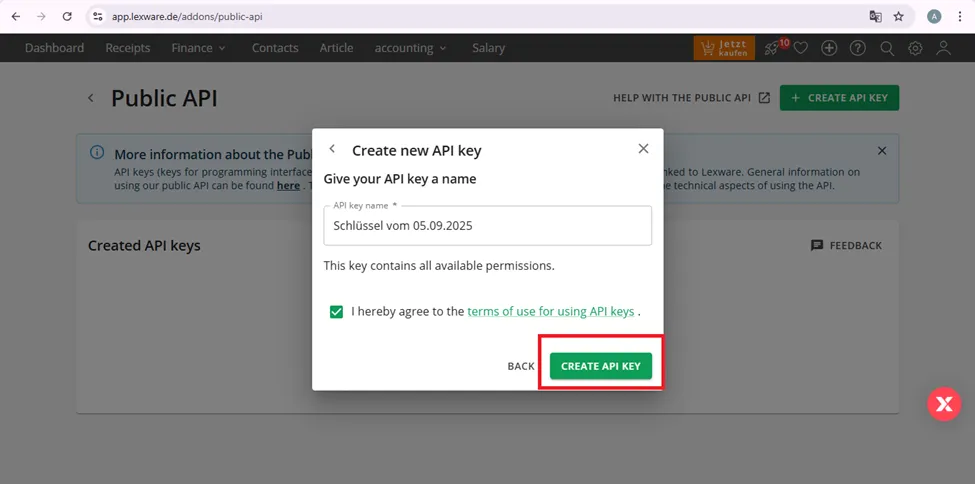
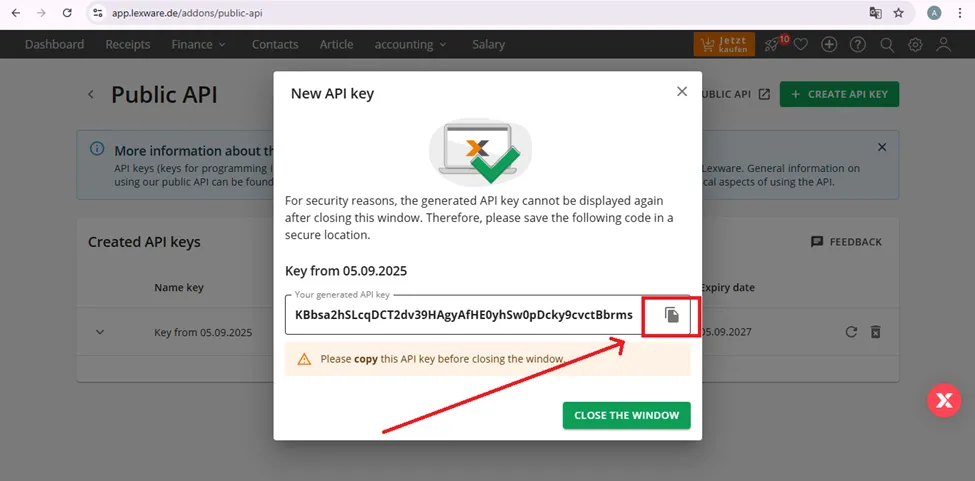
Step 6: Copy the APi key
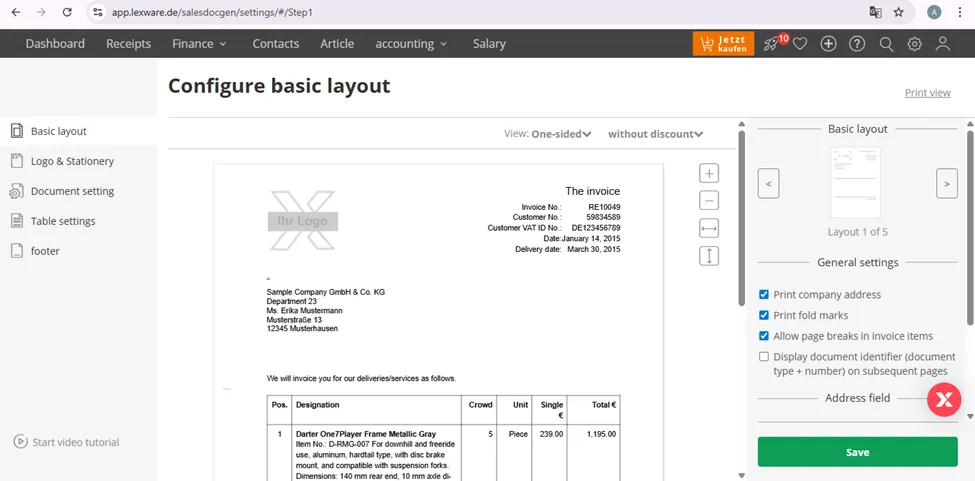
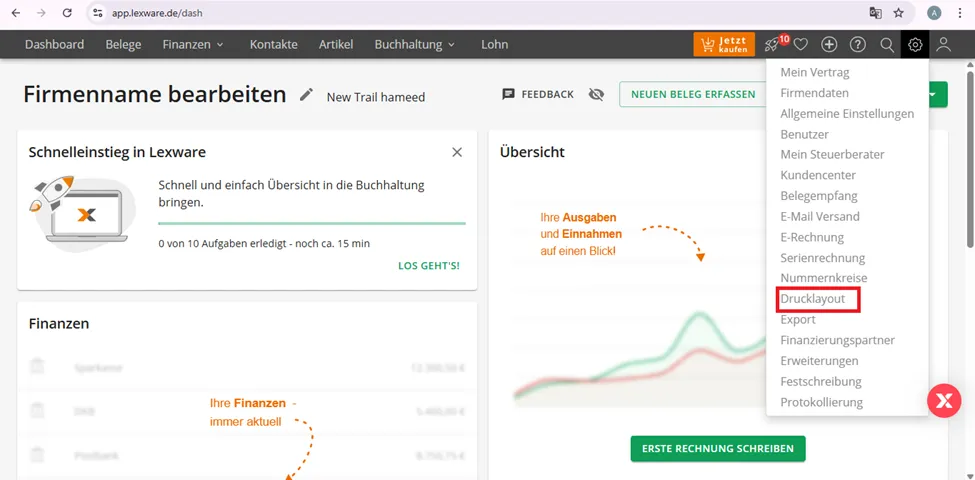
To edit the invoice template and add logo and preferences
Step 1: click on the option
Step 2: configure the setting and click save