Sage Active
INTRODUCTION
This document describes how a user can create an account in Sage Active, create an application, obtain API credentials (Client ID and Client Secret), and integrate Sage Active with the MYFUNDBOX application for invoicing purposes.
STEPS
Step 1: Create a Sage Account
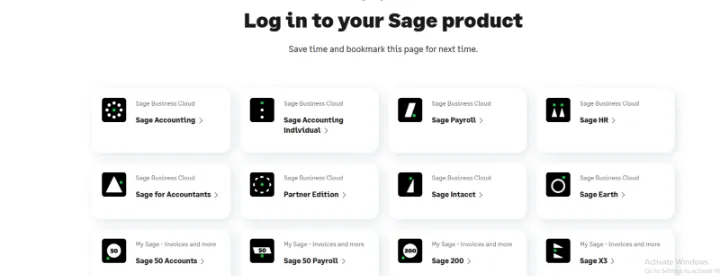
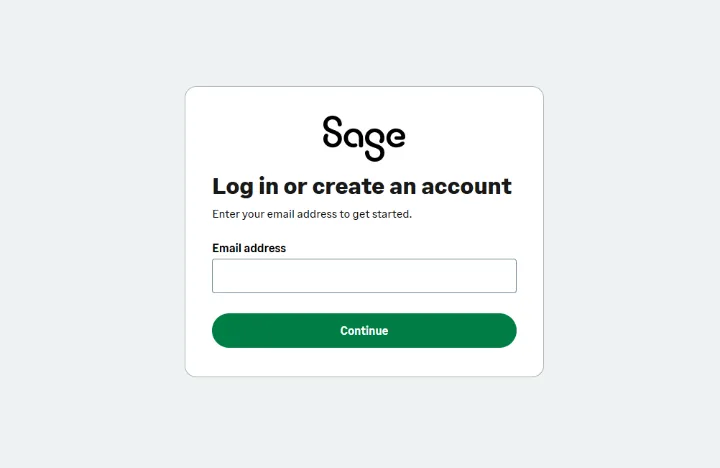
Visit the Sage website and click on 'Log in or create an account'. Enter your email address and complete the registration process.
Step 2: Sign in to Sage Active
If you already have a Sage account, sign in using your registered email. From the product list, select Sage Active.
Step 3: Create a Company in Sage Active
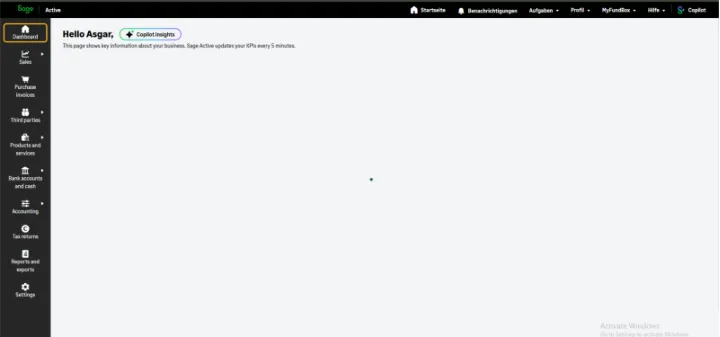
Create or select a company and complete all mandatory business details.
Step 4: Access Application Settings
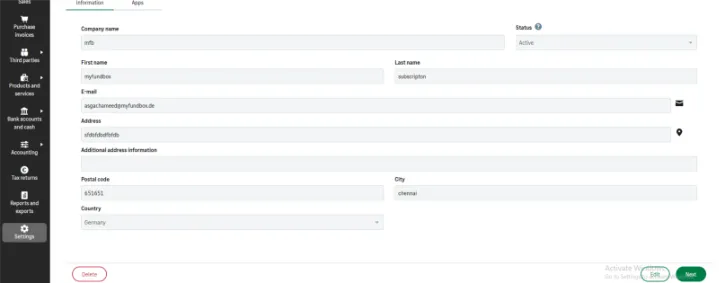
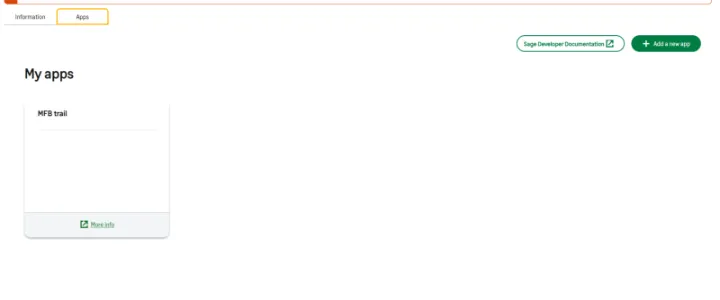
Navigate to Settings → Apps to manage applications.
Step 5: Create a New App
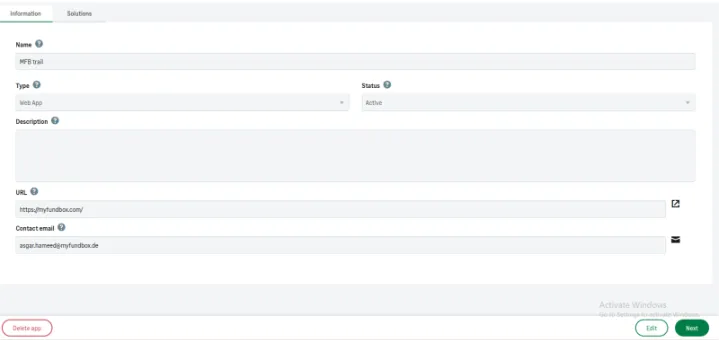
Click 'Add a new app' and fill in the required details.

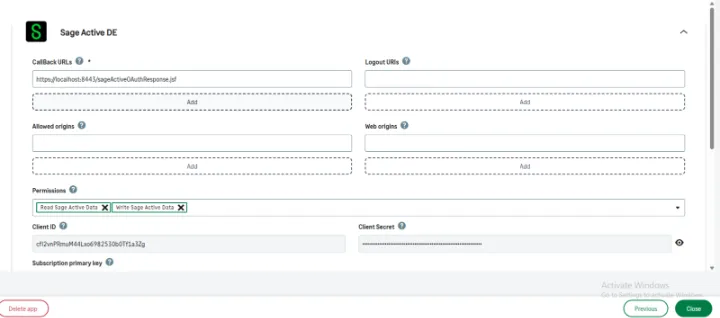
Step 6: Configure Callback URL & Permissions
Add the callback URL exactly as provided and enable required permissions.
Step 7: Get Client ID & Client Secret
Copy the generated Client ID and Client Secret.
Step 8: Connect Sage Active in MYFUNDBOX
Enter the credentials in MYFUNDBOX to complete the integration.
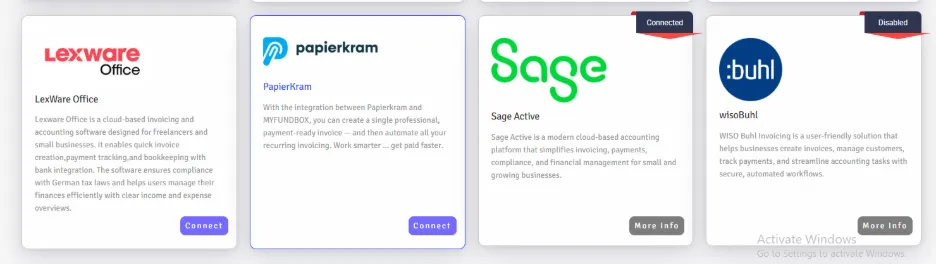
- Sign in to MYFUNDBOX.
- Navigate to Configuration → Integrations → sage → click the Connect button (as shown in Figure 1.6).
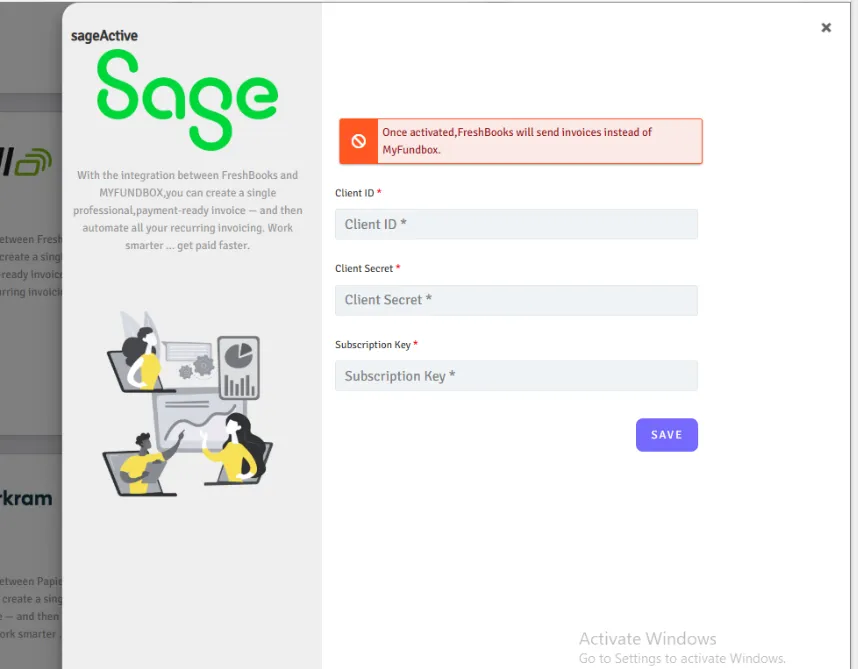
- A pop-up will open. Enter the Valid client Id and client Secret from sage, then click Save (as shown in Figure 1.7).
- If you enter invalid keys, you will not get connected.
You will see a notification confirming that your sage keys have been stored Successfully
Step 9: To Enable/Disable/Delete Connections
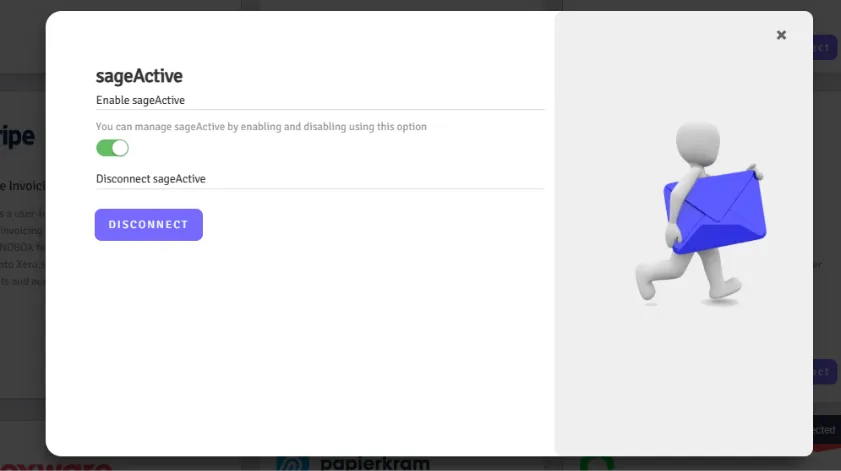
In Manage sage, you can enable or disable the sage connection by clicking the toggle button by clicking more info button.
To Delete
- If you want to delete or disconnect the sage account, click the Delete button and then click Yes, delete it (as shown in Figure 1.10).
- Your connection will be revoked.
- If you disconnect the connection, you will lose all sage connection credentials from MYFUNDBOX.
- To reconnect, you will need to follow the process starting from Step 4.
LIMITATIONS
1. Tax Percentage Support: Only 7% and 19% supported. 2. Tax Type: Only Exclusive tax supported. Inclusive tax not supported. 3. Currency Support: Only European currencies supported. 4. Account Type: Only Paid Sage Active accounts supported. Free trials not supported.